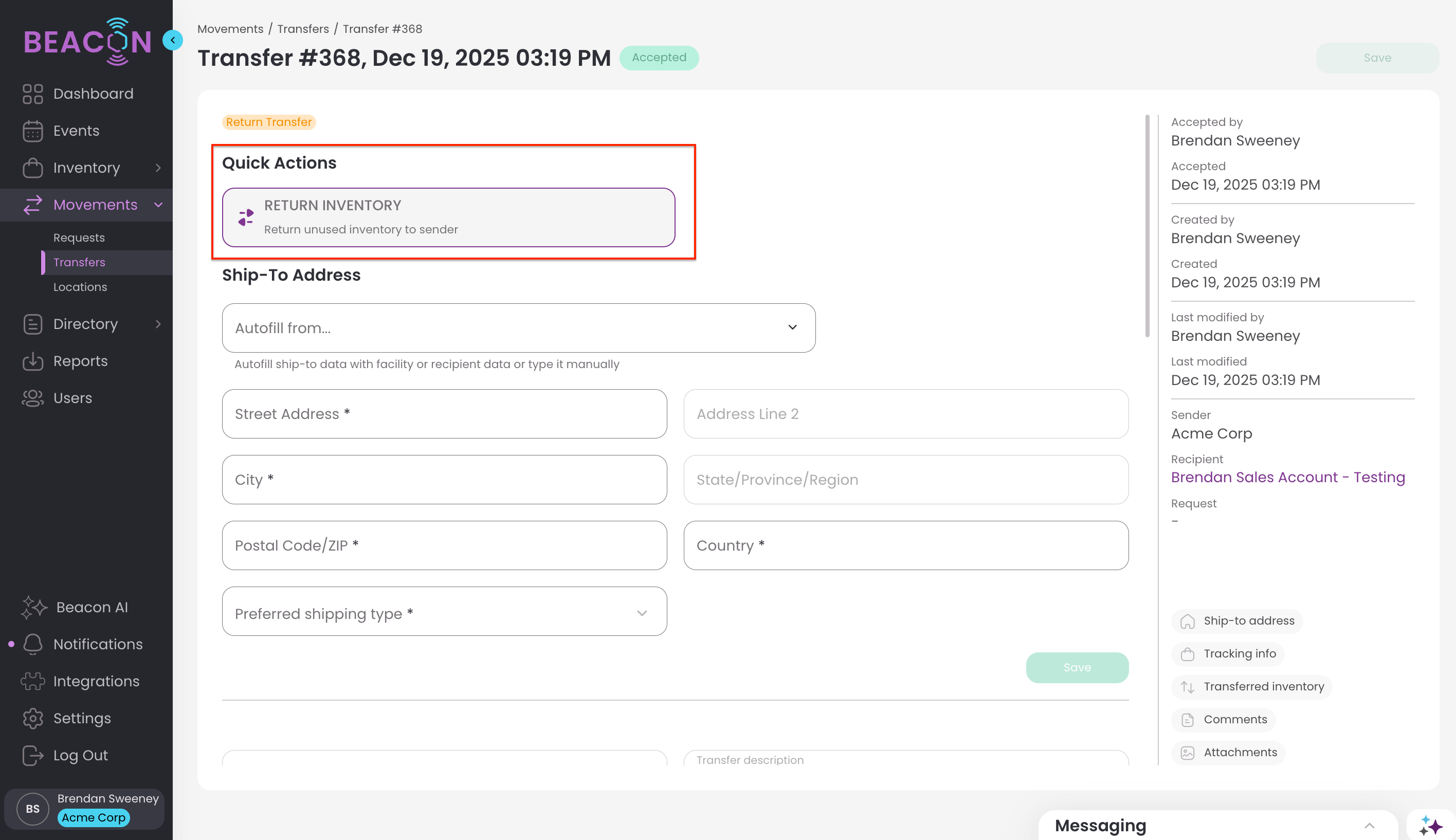
Returning your loaned inventory is as easy as creating a transfer back to your organization of the items to be returned.
However, there are some tools to help you do this easily, for instance if your inventory has a designated return custodian.
Returning to the Pre-Designated Return Custodian
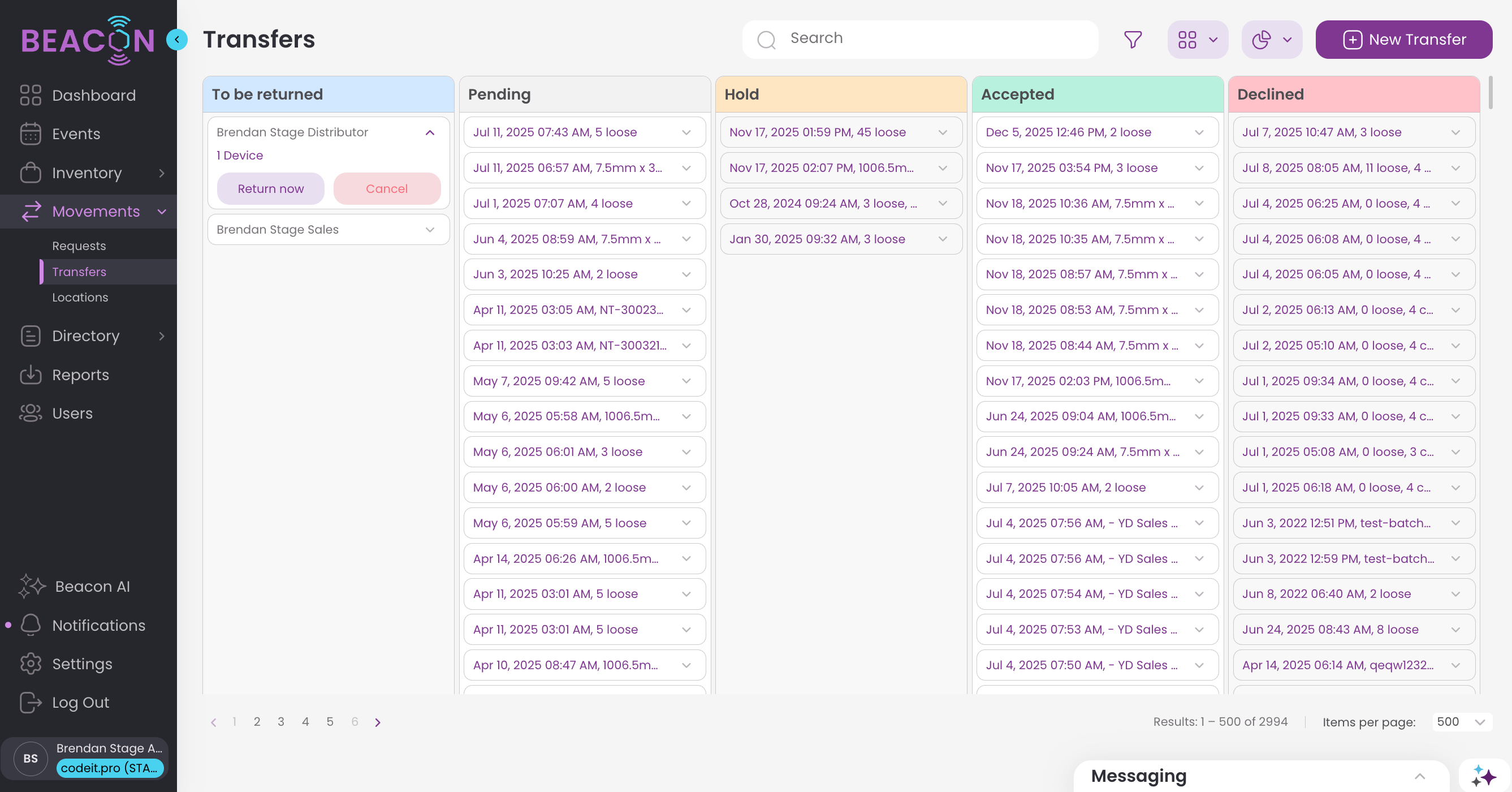
If the organization or sender designated a return custodian, head to your transfers page.
In the left column, you'll see any transfers that have pre-designated returns. Click "return now" to start the return transfer.
The transfer recipient and return items will automatically be selected, just make any additions or changes to complete your transfer.
Initiate Return without a Return Custodian with a 'Round Trip'
Even if your inventory did not have a designated return custodian, you can still take easy action to get the return done.
Navigate to the transfer that was originally sent to you in your Transfers list, under the Movement section of the Navigation.
Open the Transfer.
Click on the "Return Inventory" button, which will automatically create a transfer for the unused inventory from that transfer.